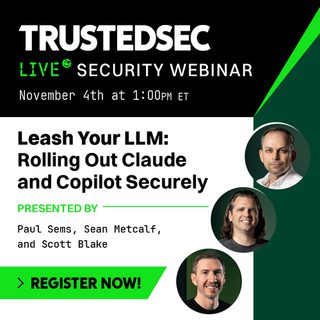
Leash Your LLM: Rolling Out Claude and Copilot Securely
Join our experts as they break down the essential security considerations for Claude Desktop and Microsoft Copilot and how to safely rollout desktop AI use in your organization.
Desktop AI assistants have moved from developing projects to everyday tools almost overnight. Claude Desktop and Microsoft Copilot can draft, summarize, analyze, and act across your files, inboxes, and business applications. While this capability makes them useful tools, it is also why they require careful configuration before handing them off to your whole workforce.
In our next webinar, our experts will break down the essential security considerations for both platforms, revealing what these tools can actually see and do, where the real risks hide (hint: it’s often in permissions you already have), and which controls matter most when you’re balancing speed of adoption with protection of your data.
During this live session, we will cover:
- What each tool can access and how to spot the oversharing problem before AI does
- Governing connectors, plugins, and extensions
- Reviewing and configuring the key settings
Join Managing Director of Remediation Services Paul Sems, Identity Security Architect Sean Metcalf, and Senior Security Consultant Scott Blake for a breakdown of what you need to safely use desktop AI at your organization. Whether you’re planning a rollout, already mid-deployment, or trying to rein in shadow AI use, you’ll leave with a clear framework for getting the productivity gains without losing control. If you’re a business leader, operations executive, or an IT and security decision maker, don’t miss your chance to learn how to better locate the security gaps when using Claude and Copilot at the enterprise level. Secure your spot now!